In-app onboarding and training for Odoo users
Help employees learn Odoo faster with step-by-step walkthroughs, tooltips, and checklists inside your ERP. Reduce “how do I…?” tickets, speed up time-to-productivity, and keep processes consistent across teams.
Works across Odoo modules: Sales, CRM, Inventory, Purchase, Accounting, Helpdesk, and more. Pricing starts from $3/employee.
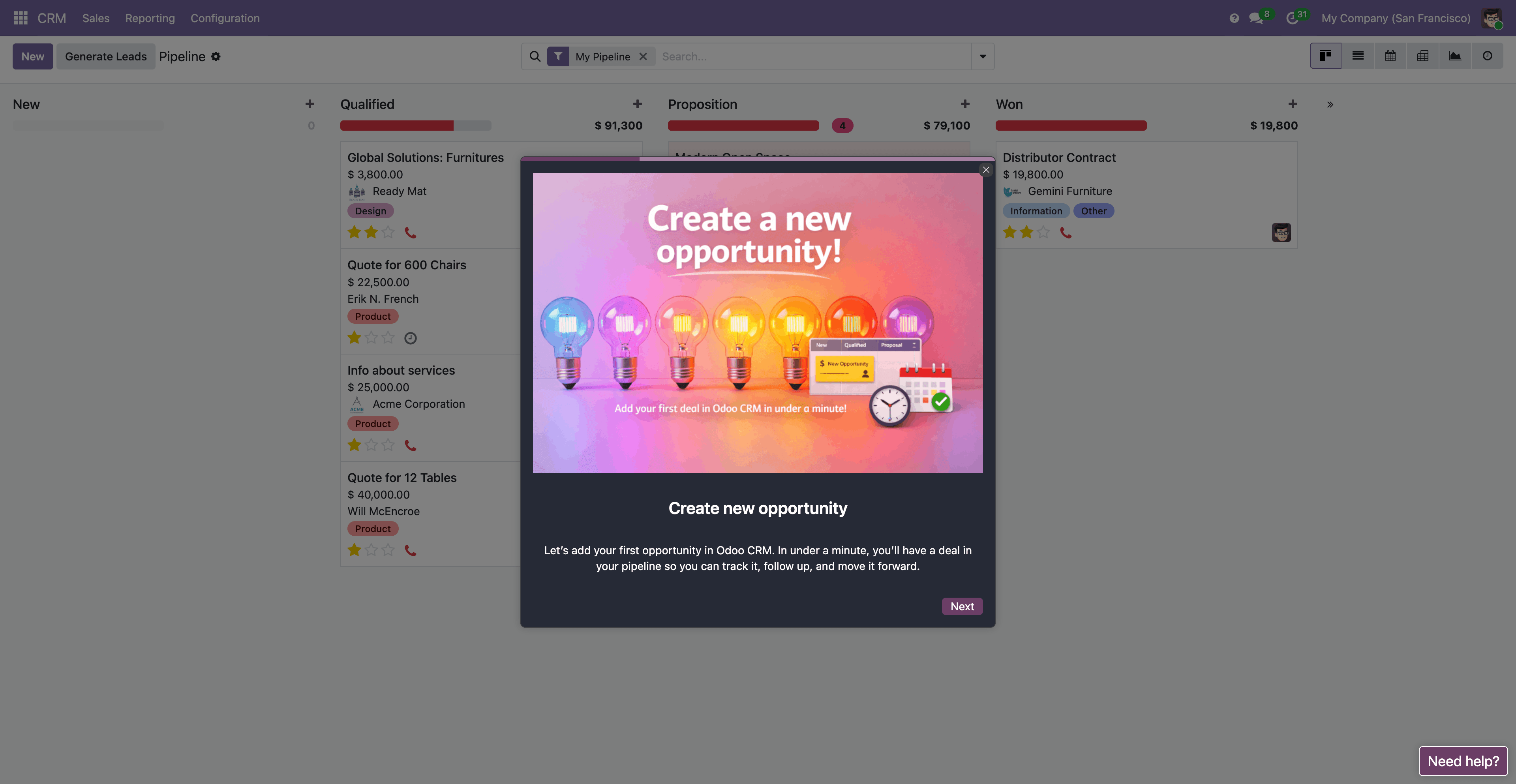
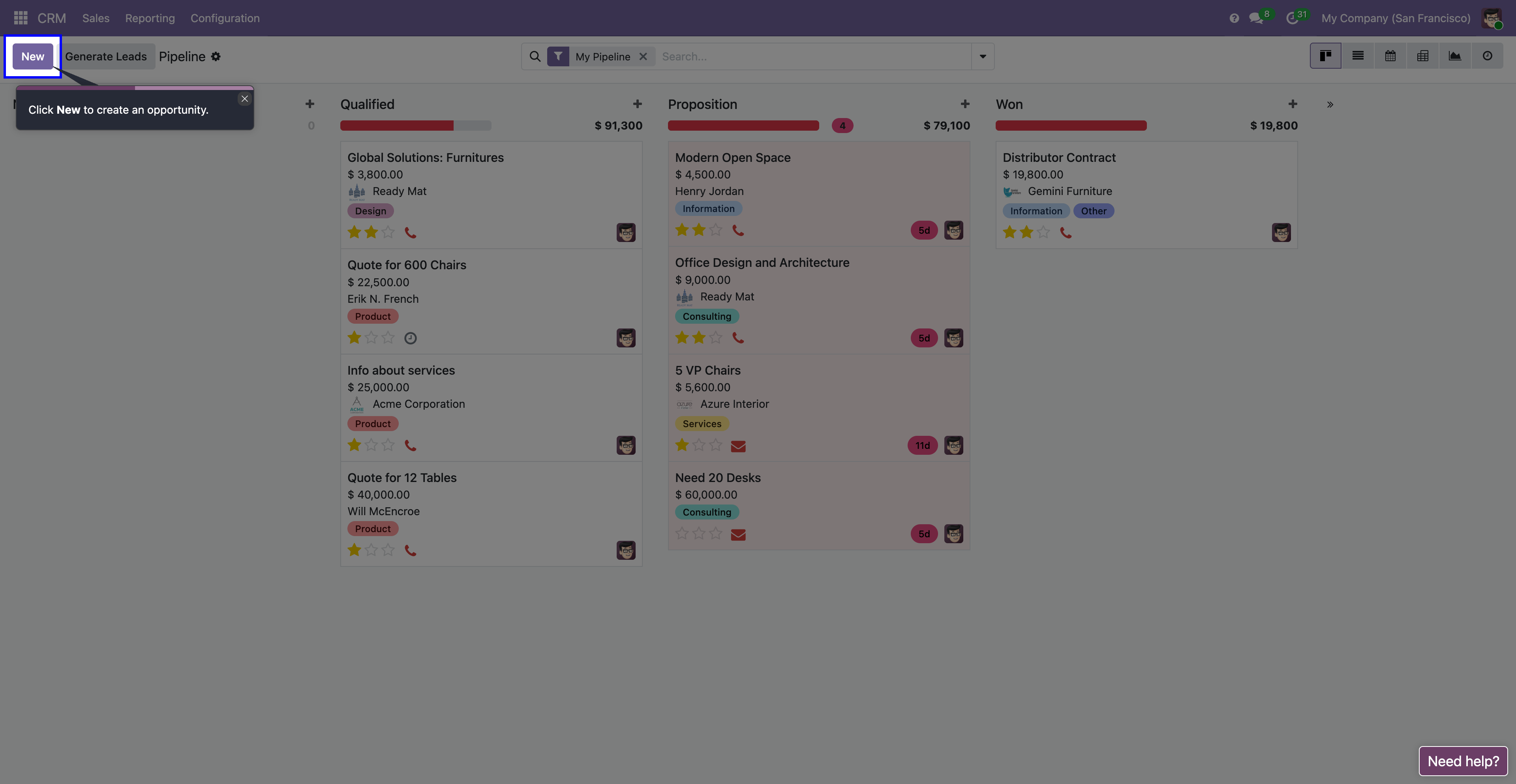
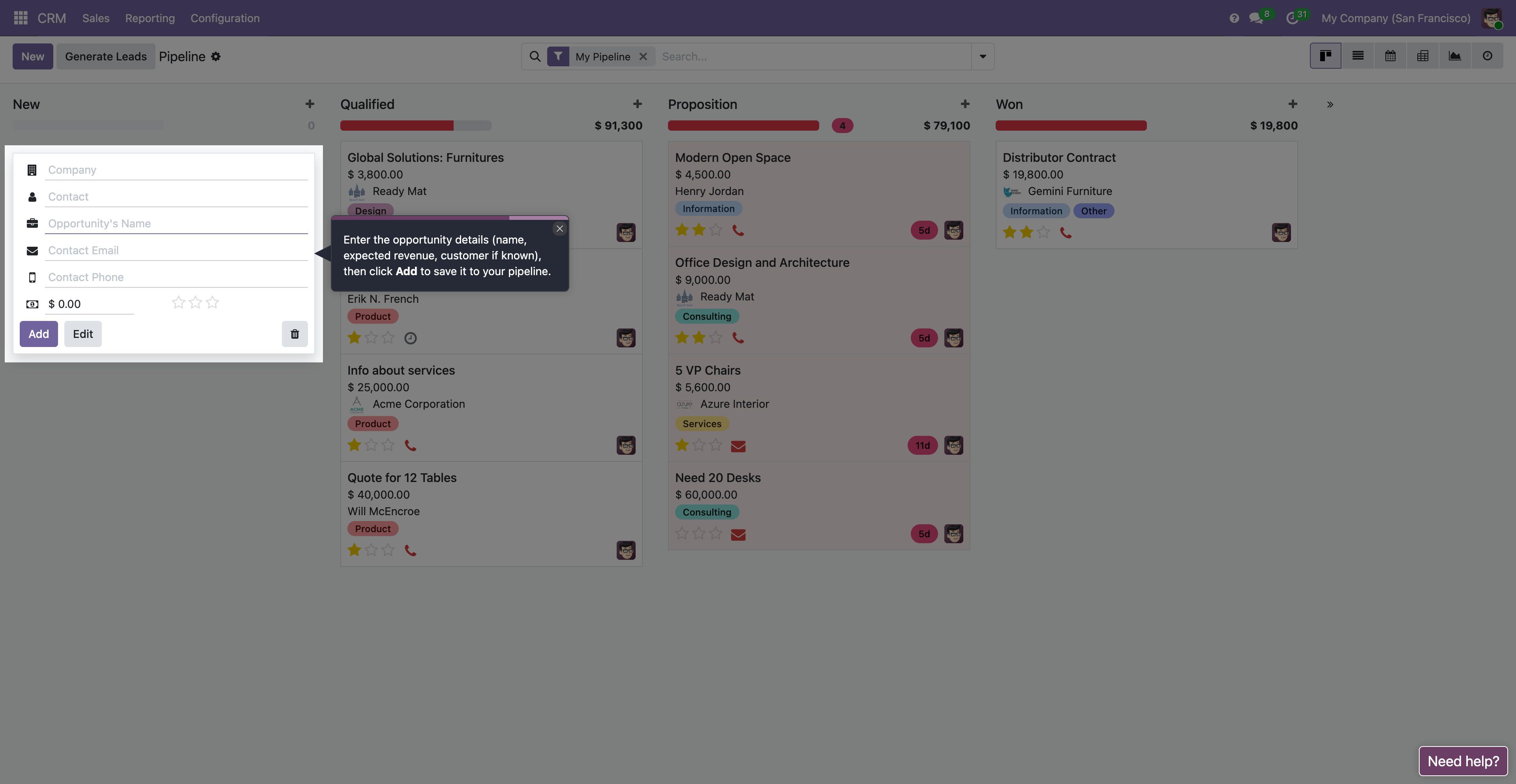
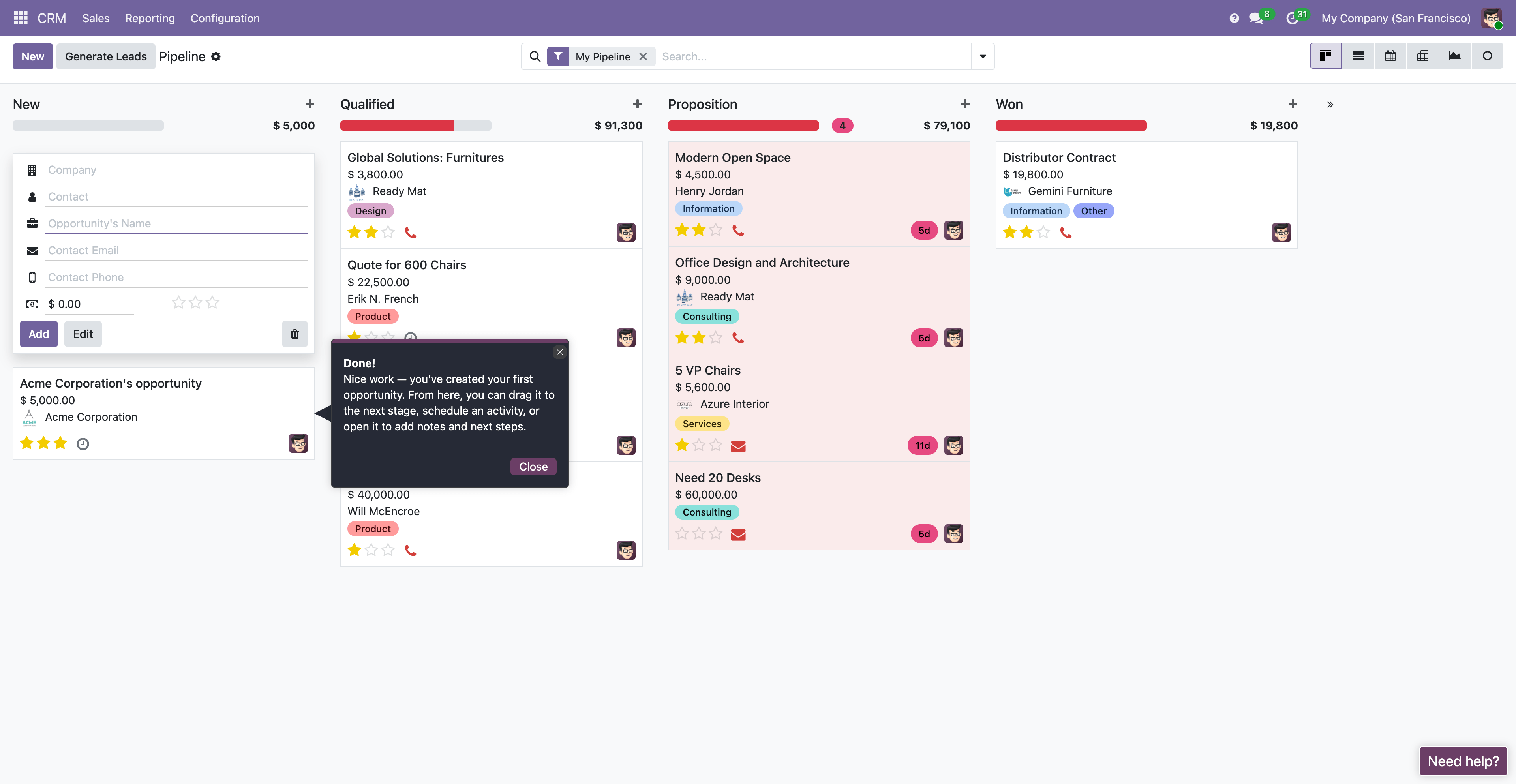
Odoo is powerful—training people is the hard part
Odoo connects everything, but new users often get stuck in the same moments: navigating modules, completing workflows, and knowing what not to change. Traditional training docs go out of date and live in another tab. Live sessions help, but they do not scale.
Inline Manual puts guidance where people actually work, inside Odoo, so every employee gets help at the exact step they need.
Train, onboard, and drive adoption without rebuilding Odoo

Interactive walkthroughs
Guide users through quotes, orders, receipts, deliveries, invoices, and approvals.

Smart tooltips & hints
Explain fields, rules, and why each step matters directly next to the Odoo interface.
'%20fill='%23e9edf2'/%3e%3crect%20id='Rectangle_739'%20data-name='Rectangle%20739'%20width='72'%20height='17'%20rx='8.5'%20transform='translate(0%2087)'%20fill='%23cde1fa'/%3e%3crect%20id='Rectangle_718'%20data-name='Rectangle%20718'%20width='22'%20height='22'%20rx='5'%20fill='%23e9edf2'/%3e%3crect%20id='Rectangle_719'%20data-name='Rectangle%20719'%20width='22'%20height='22'%20rx='5'%20transform='translate(0%2025)'%20fill='%23e9edf2'/%3e%3crect%20id='Rectangle_720'%20data-name='Rectangle%20720'%20width='22'%20height='22'%20rx='5'%20transform='translate(0%2050)'%20fill='%23cde1fa'/%3e%3crect%20id='Rectangle_721'%20data-name='Rectangle%20721'%20width='71'%20height='10'%20rx='5'%20transform='translate(31%206)'%20fill='%23e9edf2'/%3e%3crect%20id='Rectangle_722'%20data-name='Rectangle%20722'%20width='71'%20height='10'%20rx='5'%20transform='translate(31%2031)'%20fill='%23e9edf2'/%3e%3crect%20id='Rectangle_723'%20data-name='Rectangle%20723'%20width='71'%20height='10'%20rx='5'%20transform='translate(31%2055)'%20fill='%23cde1fa'/%3e%3cpath%20id='Path_703'%20data-name='Path%20703'%20d='M5375.984-7055.52l-6.892,8.041-3.786-4.06'%20transform='translate(-5359%207063)'%20fill='none'%20stroke='%238ca2be'%20stroke-linecap='round'%20stroke-linejoin='round'%20stroke-width='2'/%3e%3cpath%20id='Path_704'%20data-name='Path%20704'%20d='M5375.984-7055.52l-6.892,8.041-3.786-4.06'%20transform='translate(-5359%207087)'%20fill='none'%20stroke='%238ca2be'%20stroke-linecap='round'%20stroke-linejoin='round'%20stroke-width='2'/%3e%3c/svg%3e)
Onboarding checklists
Give new hires a clear first-week path across Sales, Operations, Finance, and Support.

Self-serve help inside Odoo
Reduce repetitive questions with searchable in-app help content available on demand.
Continuous improvement
Update guidance instantly as your Odoo processes, screens, and rules change.
Built for every team using Odoo
Sales (CRM + Sales)
Turn reps into confident users with guidance for lead stages, quotes, discounts, approvals, and handoffs.
Operations (Inventory + Purchase)
Standardize receiving, put-away, picking, packing, and delivery with fewer mistakes.
Finance (Accounting)
Explain invoice rules, payment status, reconciliation, and approvals without extra training sessions.
Support (Helpdesk)
Guide agents to the right customer records, order history, and resolution workflows.
How it works with Odoo
Choose what to guide
Pick the workflows you want to standardize first.
Build guidance visually
Create walkthroughs and tooltips without code.
Launch inside Odoo
Users get contextual help while they complete real work.
Works on top of your existing Odoo setup. Ideal for rollouts, migrations, and process changes.
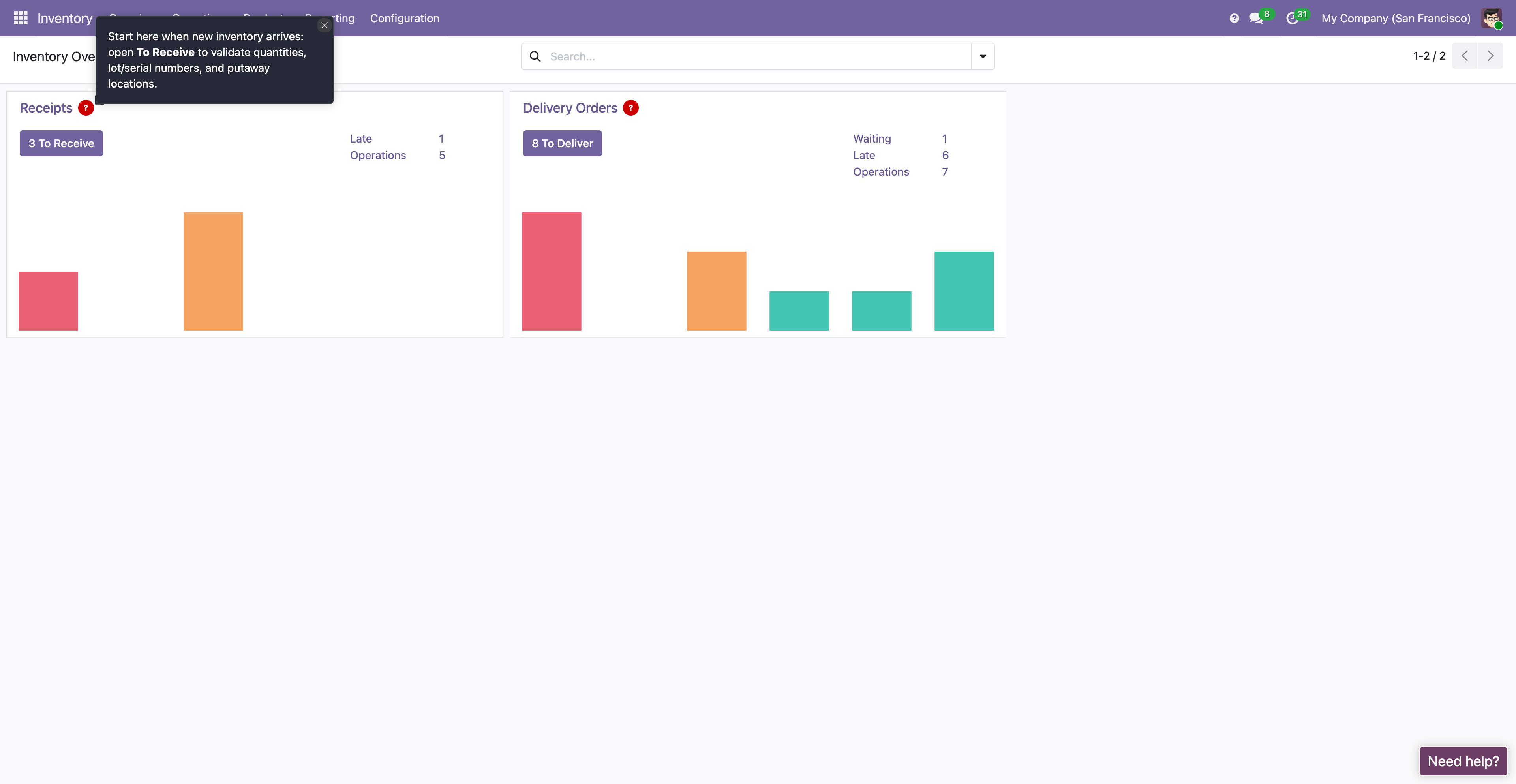
Example: onboarding a new employee in Odoo
A new warehouse coordinator logs in and sees a checklist with practical tasks. Each step launches a short walkthrough, with tooltips on critical fields and common gotchas.
- Find today’s receipts
- Complete a receive + put-away
- Pick and validate a delivery
- Escalate exceptions
What you get
Faster onboarding
New hires reach independent performance sooner.
Higher adoption
Users stop avoiding modules they do not fully understand.
Fewer support tickets
Less back-and-forth on basic how-to questions.
Better data quality
Fewer incorrect fields and fewer skipped workflow steps.
Consistent processes
Everyone follows the same playbook across sites and teams.
FAQ
Is this Odoo training or documentation?
It is in-app guidance for Odoo: walkthroughs, tooltips, and checklists that train users while they work.
Does it work across multiple Odoo modules?
Yes. You can guide workflows across Sales, Inventory, Purchase, Accounting, Helpdesk, and more.
Can we tailor onboarding by role or location?
Yes. Show different onboarding and guidance to Sales vs Operations vs Finance, or by team and site.
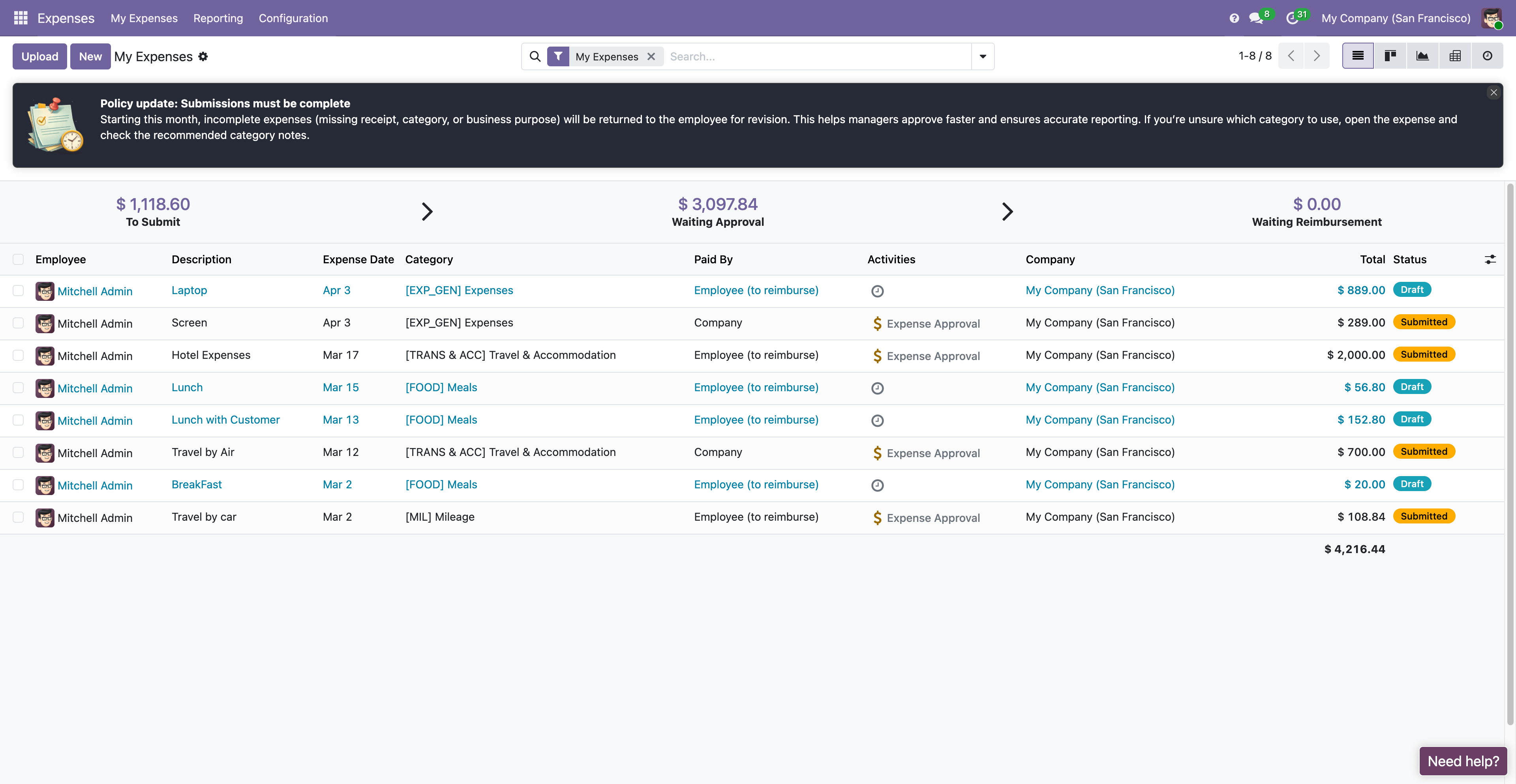
What happens when our Odoo screens change?
Update the guidance quickly so training stays current without rewriting a large manual.
Is this useful for rollouts or migrations?
Yes. It is especially useful when teams move to new Odoo modules or updated business processes.
Make Odoo easier to adopt
Give every employee the right help at the right moment inside Odoo. Standardize workflows, reduce training overhead, and accelerate productivity.